Creating a cozy and productive home office space is essential for anyone working from home. Whether you’re freelancing, telecommuting, or running your own business, designing a workspace that inspires focus and comfort can make a significant difference in your daily performance and well-being. In this guide, we’ll explore practical strategies to help you transform any corner of your home into an efficient, inviting office.
Why a Cozy and Productive Workspace Matters
Working from home offers flexibility, but it also brings challenges like distractions and difficulty separating work from personal life. A well-designed office can reduce stress, increase concentration, and help maintain a healthy work-life balance. When your workspace feels comfortable, you’re more likely to stay motivated and complete tasks effectively.
Choosing the Right Location
Find a Quiet Spot
Identify a space in your home that is relatively quiet and away from heavy foot traffic. This might be an extra bedroom, a nook in the living room, or even a part of your dining room. The key is to choose a location that minimizes interruptions.
Consider Natural Light
Natural light boosts mood and energy levels, so try to set up your office near a window if possible. Position your desk to avoid glare on your computer screen—sideways to the window often works best.
Furniture and Layout
Invest in a Comfortable Chair
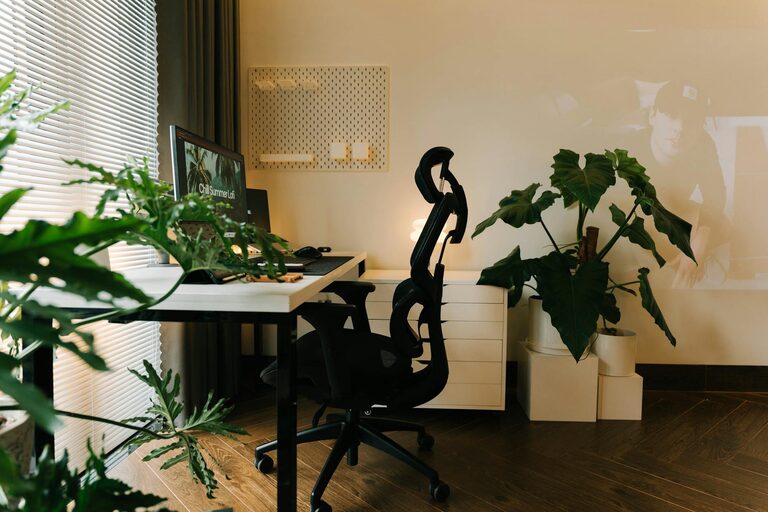
Ergonomics are crucial for long hours of work. Select a chair that provides good lumbar support, adjustable height, and comfortable cushioning to prevent back pain.
Choose a Suitable Desk
Your desk should be big enough to hold your computer, documents, and any other tools you use frequently. If space allows, opt for a desk with built-in storage to keep your workspace tidy.
Plan Your Layout Thoughtfully
Arrange your desk and chair to face the room entrance if possible; this orientation can reduce feelings of confinement and keeps you aware of your surroundings. Ensure there’s enough space to move comfortably.
Organizing Your Workspace
Declutter Daily
A clutter-free desk fosters focus. Try to clear unnecessary items at the end of each day so you start fresh in the morning.
Use Storage Solutions
Shelves, drawers, and organizers help keep paperwork and supplies orderly. Consider wall-mounted shelves to free up desk space or bins that fit under the desk.
Cable Management
Untangle and hide cords with clips, sleeves, or cable boxes. A clean, cord-free area looks neater and reduces distractions.
Personalizing Your Office
Add Comfortable Textiles
Incorporate soft elements like a cushion on your chair, a cozy rug, or curtains to make the space feel warm and inviting.
Include Plants
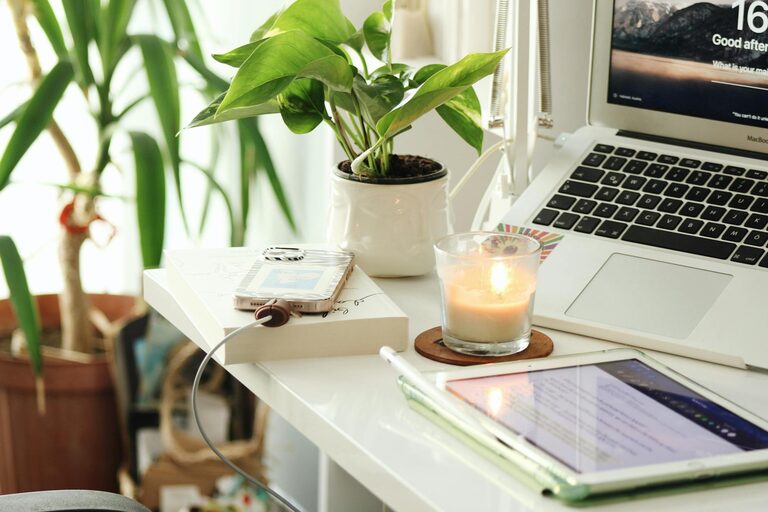
Plants improve air quality and add a touch of nature that can boost mood and creativity. Low-maintenance options like succulents or pothos are great choices.
Display Inspiring Items
A few personal touches—photos, artwork, or motivational quotes—can make your office feel more like your own space while keeping you motivated throughout the day.
Lighting Tips
Layer Your Lighting
Combine task lighting (like a desk lamp) with general lighting (ceiling fixtures) and accent lighting (such as a floor lamp) to create a well-lit environment that reduces eye strain.
Choose Warm Light Bulbs
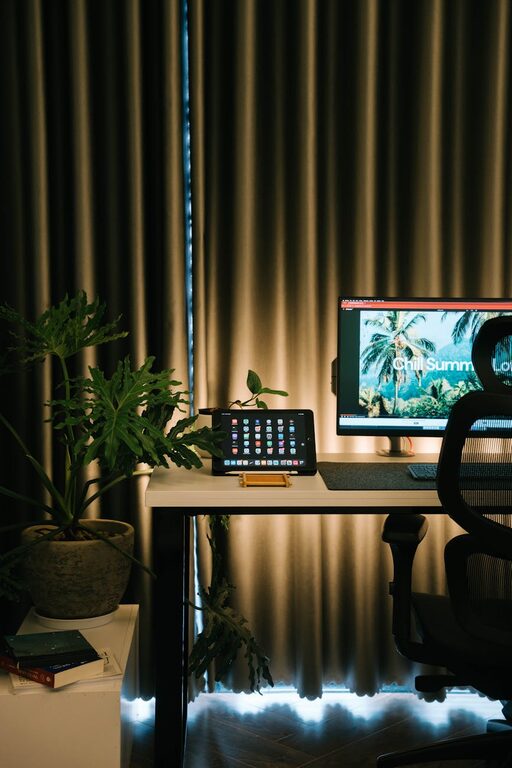
Soft white or warm light bulbs create a relaxing atmosphere, helping you feel comfortable and focused during work hours.
Managing Noise and Distractions
Use Noise-Canceling Options
If you live in a noisy environment, noise-canceling headphones or white noise machines can help maintain concentration.
Set Boundaries
Communicate your work hours with family or housemates to minimize interruptions. Use a sign or door hanger to signal when you’re busy.
Maintaining Work-Life Balance
Separate Work and Relaxation
If possible, avoid working in spaces used primarily for relaxation, like the bedroom or couch. This separation helps your brain switch between work mode and rest mode.
Take Regular Breaks
Schedule short breaks throughout your day for stretching, walking, or simply resting your eyes. A comfortable chair and calming environment make it easier to decompress during these moments.
Technology Essentials
Ensure a Reliable Internet Connection
A stable and fast internet connection is fundamental for smooth remote work. Consider upgrading your Wi-Fi router or adding an ethernet cable if needed.
Use Ergonomic Accessories
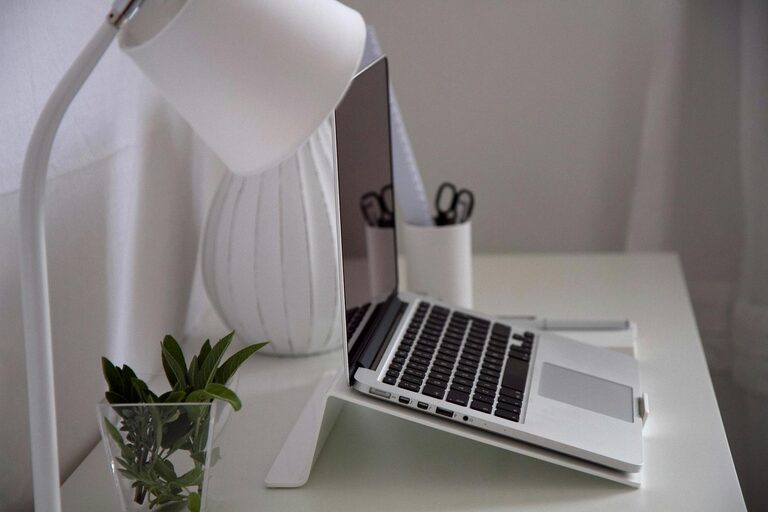
Items like a keyboard wrist rest, monitor riser, or an external mouse can make your workstation more comfortable and reduce strain.
—
Establishing a cozy and productive home office space requires planning but is well worth the effort. By combining comfort, organization, and personal touches, you can create an environment that supports your professional goals and enhances your daily work experience. Start with small changes and gradually customize your setup to find what works best for you. Happy working!
About the Author