Creating a productive home workspace is essential for anyone working remotely or managing tasks from home. A well-organized area helps reduce distractions, improve focus, and maintain a healthy work-life balance. In this guide, we’ll cover practical tips to help you design and maintain a home workspace that supports your productivity.
Choose the Right Location
Selecting the best spot in your home for work is a crucial first step.
– Quiet and Private: Pick a space with minimal noise and fewer household interruptions.
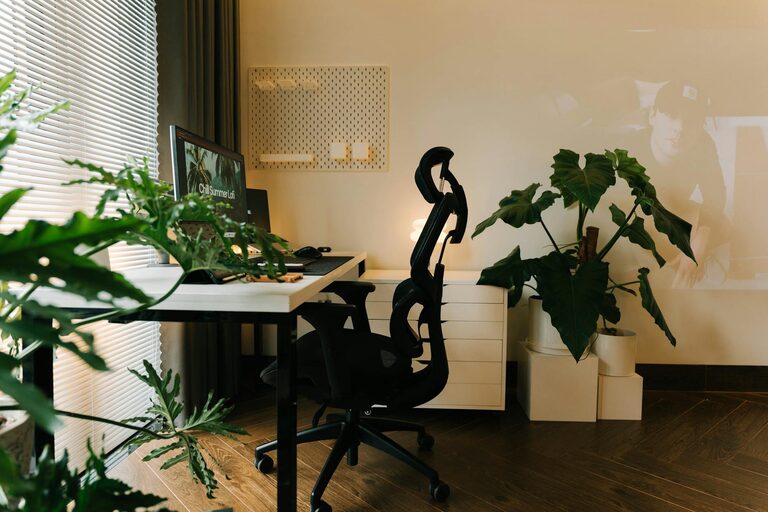
– Natural Light: Whenever possible, choose a spot near a window to benefit from natural light, which enhances mood and alertness.
– Adequate Space: Ensure there’s enough room for your work essentials and freedom of movement.
If a dedicated room isn’t available, set up a consistent corner or nook that you associate with work only.
Invest in Ergonomic Furniture
Comfort during work hours is key to productivity and health.
– Desk: Choose a desk that suits your space and allows for proper placement of your computer and work materials.
– Chair: Invest in an ergonomic chair that supports your back and encourages good posture.
– Monitor Height: Position your monitor at eye level to reduce neck strain.
– Keyboard and Mouse: Use comfortable, responsive peripherals that reduce hand fatigue.
Finding comfortable furniture helps prevent physical stress during long work sessions.
Keep the Space Organized
An organized workspace minimizes distractions and saves time looking for items.
Organize Your Desk
– Use trays or organizers for papers and stationery.
– Keep only essential items on your desk to maintain a clutter-free surface.
– Use cable management tools to keep wires tidy and out of sight.
Use Shelves and Storage
– Store books, files, and supplies on shelves or in drawers.
– Label storage boxes or folders for quick access to documents.
– Regularly declutter to remove unnecessary items.
Optimize Lighting
Good lighting prevents eye strain and keeps you alert.
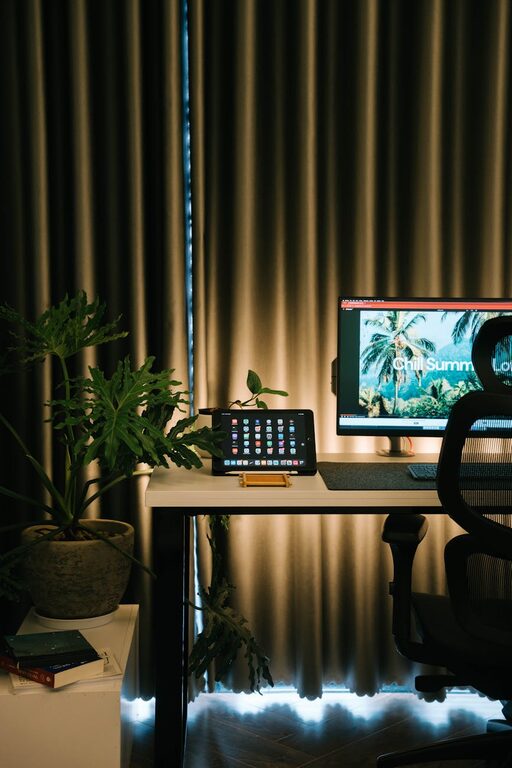
– Combine natural light with adjustable artificial lighting.
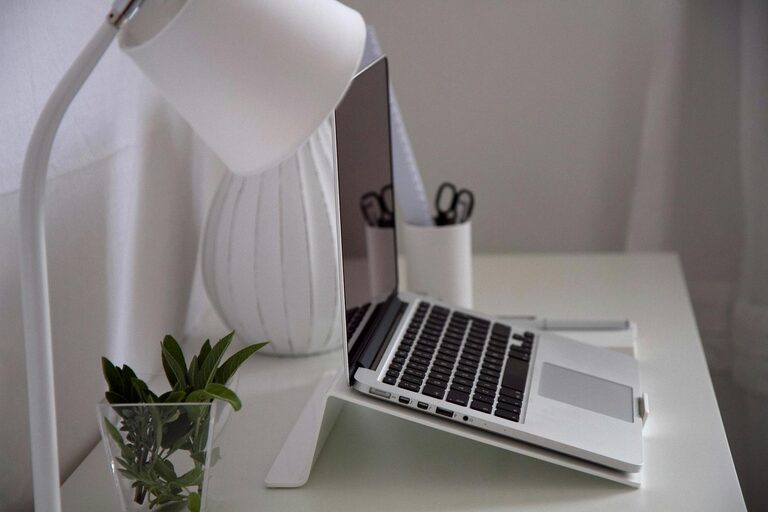
– Use a desk lamp with warm, focused light for detailed work.
– Avoid glare on screens by adjusting the position of lights or your monitor.
Set Up Technology Efficiently
Reliable technology and proper setup are foundational for smooth work.
– Ensure a strong, stable internet connection.
– Organize charging cords and power strips neatly.
– Use wireless accessories if possible to reduce cords.
– Keep backup devices or solutions ready for emergencies.
Personalize Your Workspace
Adding personal touches can make your workspace inviting and motivating.
– Incorporate plants, which improve air quality and add a calming vibe.
– Use artwork or photos that inspire you.
– Choose a color scheme that promotes focus, such as neutral shades with pops of calming colors.
Establish Work Habits That Support Productivity
An organized physical space is more effective when paired with good work routines.
– Set specific work hours and stick to them.
– Take regular breaks to move and rest your eyes.
– Use to-do lists or planners to prioritize daily tasks.
– Limit distractions by turning off unnecessary notifications.
Maintain Your Workspace Daily
A quick daily cleanup prevents clutter buildup.
– Spend a few minutes tidying papers and supplies.
– Empty waste bins and wipe down surfaces.
– Prepare your workspace for the next day’s tasks.
Conclusion
Organizing a productive home workspace doesn’t require a major renovation or expensive equipment. By choosing the right location, investing in ergonomic furniture, keeping your area tidy, and establishing healthy habits, you can create an environment that supports focus and efficiency. With a bit of effort and consistency, your home workspace will become a place where productive work naturally happens.
About the Author