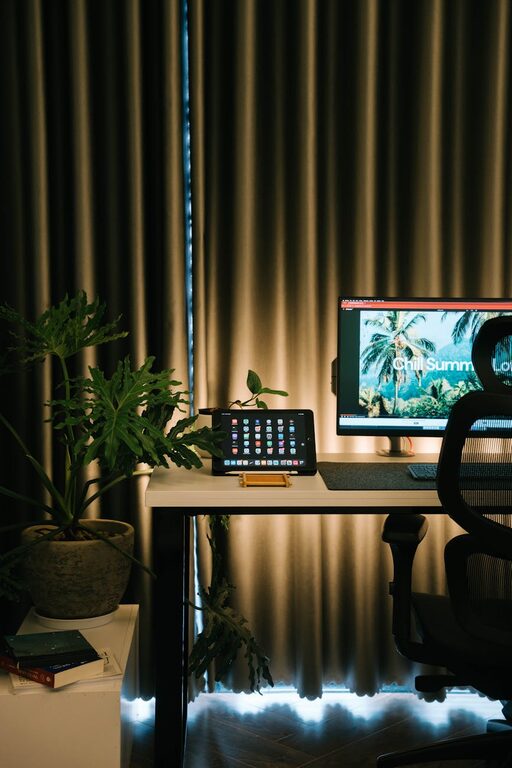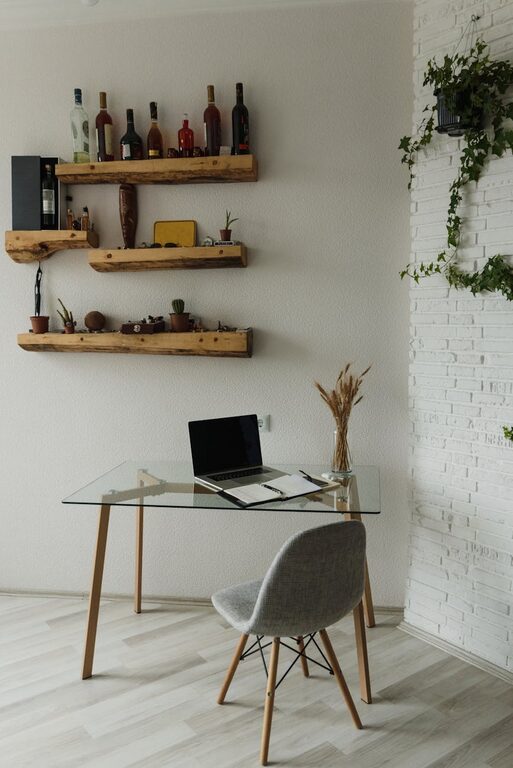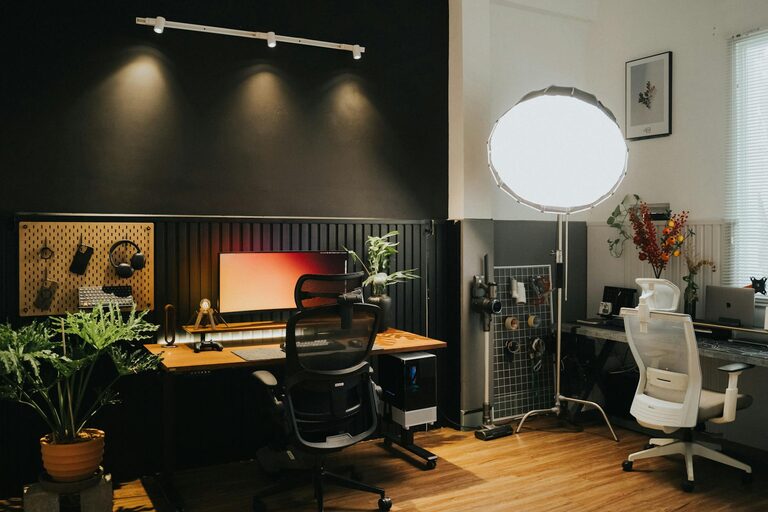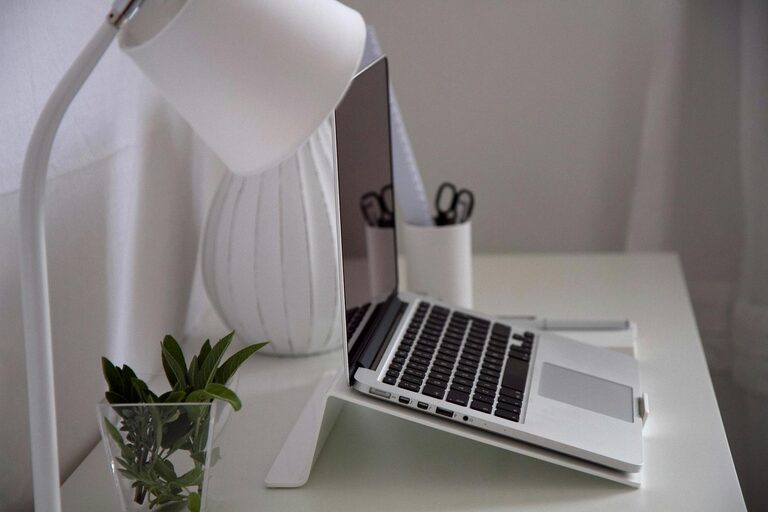
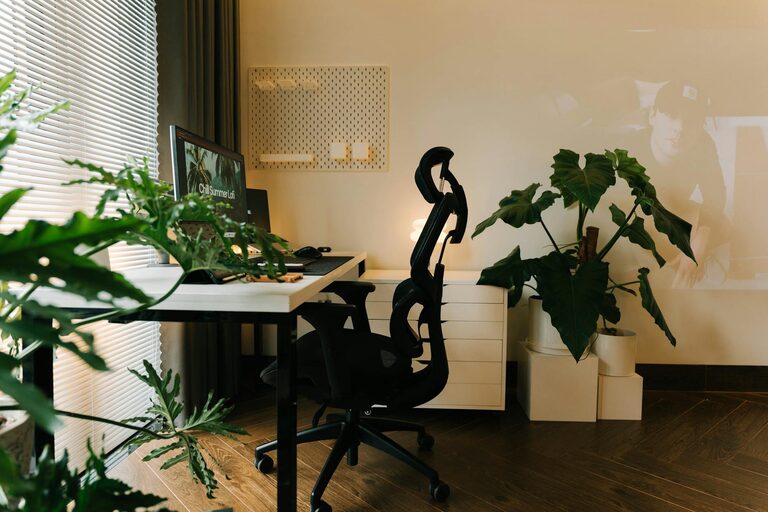
Creating a home office that balances comfort and functionality is essential for anyone working remotely or needing a dedicated space for focused tasks. A well-designed workspace can boost productivity, reduce stress, and make your workday more enjoyable. Here are some helpful tips to design a cozy and functional home office that suits your needs.
Choose the Right Location
Prioritize Natural Light
Select a spot in your home with ample natural light, if possible. Windows not only brighten your workspace but also help improve mood and energy levels throughout the day. Position your desk near a window to take advantage of this natural illumination, but avoid glare on your computer screen by placing your monitor perpendicular to the window.
Minimize Distractions
Choose a quiet area that is away from daily household noise and traffic. This will help you maintain concentration and minimize interruptions. If space is limited, consider creating a partition or using room dividers to separate your office zone.
Invest in Comfortable and Supportive Furniture
Ergonomic Chair
Since you’ll be spending several hours sitting, choose a chair that offers good lumbar support and adjustable features like height and tilt. Comfort is key to preventing back and neck pain and helps maintain good posture.
Functional Desk
Opt for a desk that fits your space and your work style. If you use multiple devices or need paper space, a larger surface might be necessary. Adjustable or standing desks can also be a great way to reduce sedentary time and add variety to your workday.
Organize Efficiently
Declutter Regularly
A tidy workspace helps clear your mind and improves focus. Keep only essential items on your desk and store other materials in drawers or shelves.
Use Storage Solutions
Invest in shelves, cabinets, or organizers to keep office supplies neatly arranged. Label boxes or files for easy retrieval, making your workflow smoother.
Personalize Your Space
Add Cozy Elements
Incorporate soft textures such as a plush rug, cushions, or a throw blanket to make the space feel inviting. Plants can also add a touch of nature and improve air quality.
Display Inspiring Items
Place photos, artwork, or motivational quotes that make you feel positive and motivated. Personal touches help transform a purely functional area into a space you enjoy spending time in.
Manage Lighting
Layer Your Lighting
Good lighting is essential to reduce eye strain. Combine ambient lighting like ceiling fixtures with task lighting such as desk lamps. Choose bulbs with warm or neutral tones to create a cozy atmosphere.
Adjust Screen Brightness
Make sure your computer screen brightness complements your environment. Too bright or too dim screens can cause discomfort and fatigue.
Set Boundaries
Define Work Hours
Establish clear start and end times for your workday to create a healthy work-life balance.
Communicate with Family Members
Let others in your household know when you’re working to minimize interruptions, helping you stay focused and productive.
Add Technology and Accessories Wisely
Use Wireless Devices
Wireless keyboards, mice, and headphones reduce clutter and increase flexibility in positioning your workspace.
Invest in Good Internet Connectivity
A reliable internet connection is crucial for uninterrupted work sessions. Consider upgrading your router or using a wired connection if needed.
—
Designing a home office that is both cozy and functional takes some thoughtful planning. By focusing on lighting, furniture, organization, and personalization, you can create a space that supports productivity and well-being. Whether you have a dedicated room or a small corner, these tips will help turn it into a home office you look forward to using every day.
About the Author